

!
Important Reminder: All rules must be entered by December 1, 2026, to take effect in 2027. Unlike previous years, existing assignments will not automatically carry forward and must be re-entered by the deadline.
2
Email HCA to Confirm
Once you have watched the recorded webinar, please email courseassignments@healthcareacademy.com to confirm completion. Be sure to include your facility name so we can activate Training Plans on your account.
3
HCA will enable Training Plans on your account
Training Plans will be enabled on your account within 24 hours. You will receive an email confirmation once the setup is complete.
4
Create Training Plans
Rules must be entered into the system by December 1st to take effect in the new year. Please note: Unlike in previous years, existing course assignments will not carry forward automatically and must be re-entered for the new year.
Training Plans Hub
Everything you need to set up Training Plans for your staff: the webinar, the slides, and a step-by-step guide for every plan type.
Webinar Recording
Presentation
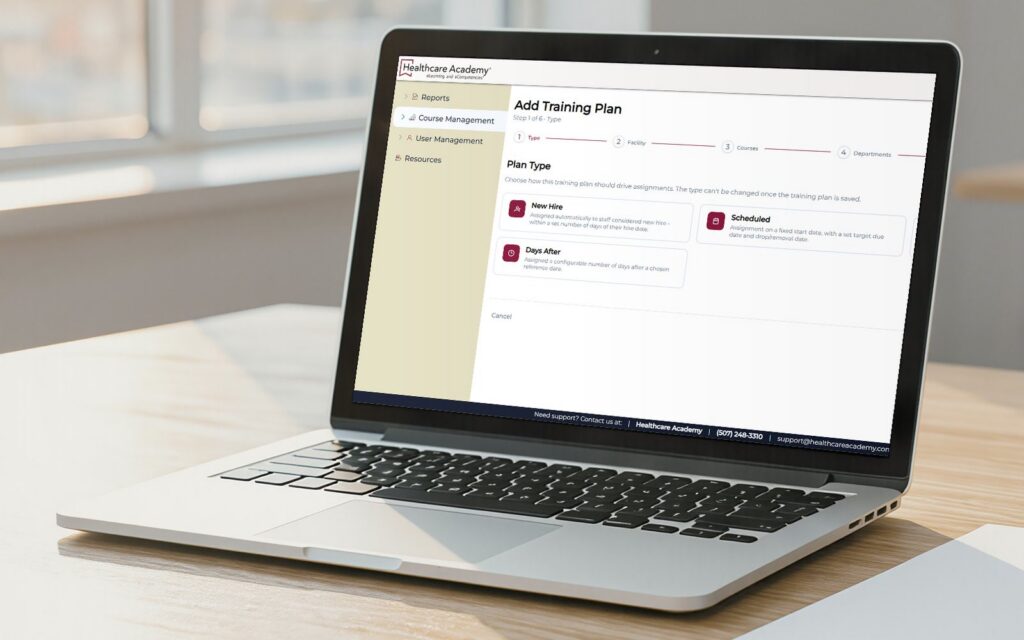
Training Plans Presentation
The slides from the webinar. Keep them open while you set up your first plan.
Training Plans Working Sessions
Working on your training plan and have some questions? Haven’t started your training plan and want to get started? Join our team for a LIVE working session to get your questions answered in real time, receive guidance, and get help building your 2027 training plans!
Your hosts
C
Candie Nayes
Customer Experience Manager
J
Jessica Burkybile
Director of Continuing Education & Clinical Account Experience Specialist
C
Chris Felton
Technical Support Specialist
Step-by-Step Guides
Printable PDF instructions for each type of training plan.
2 pages · 0.1 MB
Most Commonly Assigned Courses
New Hire & Annual Training · September 2026
Open the lists of the most commonly assigned courses for onboarding and annual learning by HCA customers. You are responsible for understanding and meeting applicable state and federal requirements.
11 pages · 2.0 MB
Creating a New Hire Training Plan
Automatically assign onboarding courses to newly added staff.
Open guide
11 pages · 2.1 MB
Creating a Scheduled Training Plan
Assign courses on fixed calendar dates.
Open guide
11 pages · 2.0 MB
Creating a Rolling Training Plan
Repeat assignments on a recurring cycle.
Open guide
11 pages · 1.9 MB
Creating a Days After Training Plan
Assign courses a set number of days after a start date.
Open guide
5 pages · 0.9 MB
How to Edit Training Plans
Update courses, dates, and assigned staff on existing plans.
Open guide
HELP
Questions about Training Plans?
Email courseassignments@healthcareacademy.com or call (507) 248-3310 and we’ll walk you through it.
Email our team
Finished the webinar?
After you have completed the recorded webinar, please email courseassignments@healthcareacademy.com to confirm completion. Be sure to include your facility name in your email. Once we receive your confirmation, we will activate Training Plans on your account within 24 hours and send you an email notification once activation is complete.